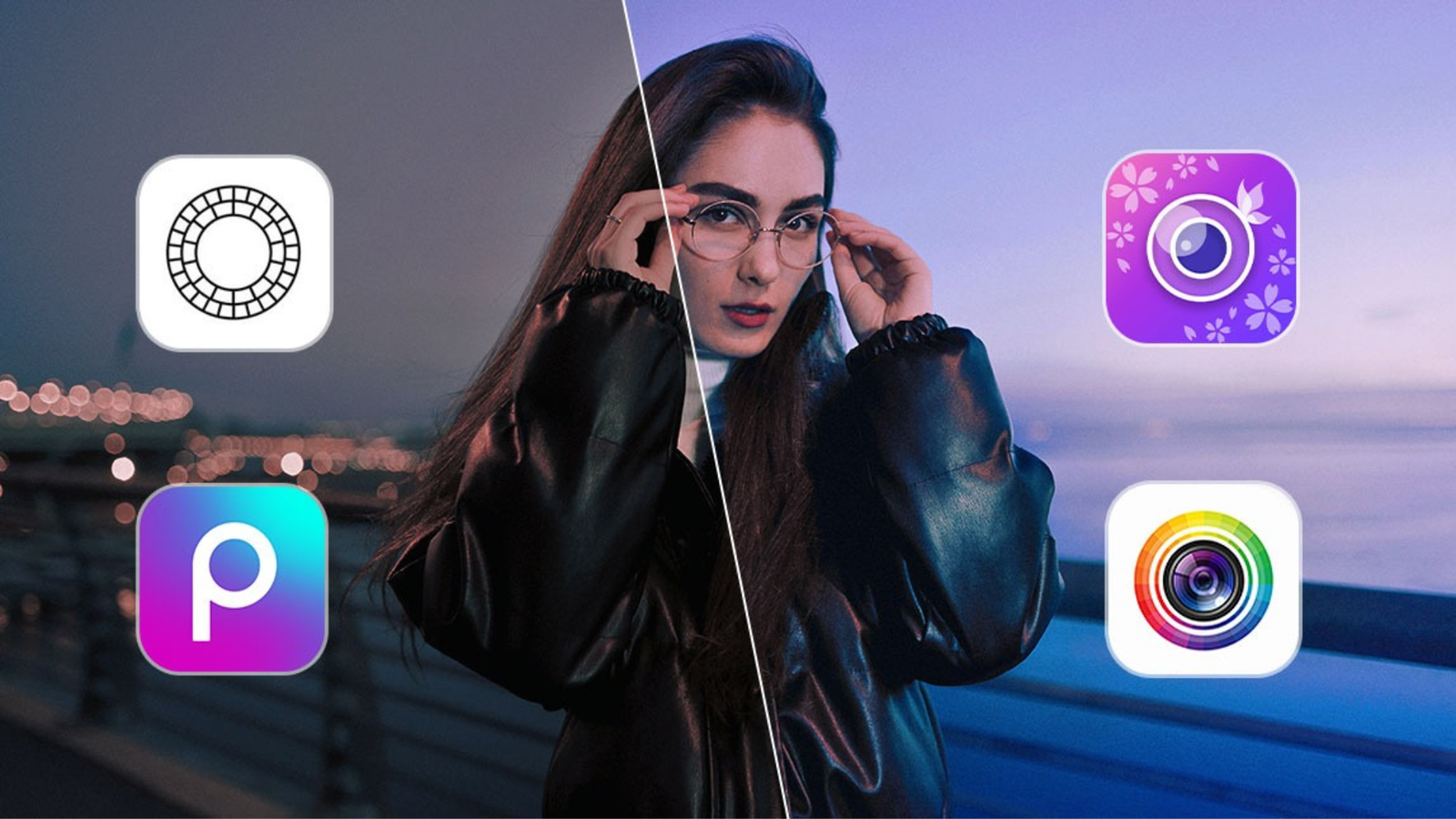
6 Best Photo Editing Apps for Android everyone desires to capture photos in exceptional quality, but it’s quite a challenging task as photo quality depends on various factors. However, with the assistance of photo editing apps, we can significantly enhance the quality of any photo. Therefore, in this article, we bring you the best photo editing apps for Android that will elevate your photo editing skills.
6 Best Photo Editing Apps for Android
Snapseed
PhotoDirector
YouCam Perfect
PicsArt
Prisma
Youcam Perfect
Snapseed: A Comprehensive Editing Tool
Snapseed offers a plethora of unique tools and filters, allowing you to edit photos seamlessly. With over 30 tools, you can easily enhance photos, remove backgrounds, and even apply portrait mode for professional-quality images. Advanced editing techniques such as Bokeh with Snapseed’s lens blur tool are also available. This app, with over 100 million downloads, is entirely free to use.
PhotoDirector: Creativity Unleashed
PhotoDirector empowers users to remove objects from photos, change backgrounds, create collages, add text, stickers, frames, and even utilize body retouching tools. It provides a user-friendly interface and a royalty-free image stock library. Additionally, you can create your own AI avatar, trending on social media, all within minutes.
YouCam Perfect: AI-Powered Editing
YouCam Perfect is an AI-powered photo editing app that allows you to remove backgrounds, change sky colors, add animated effects and stickers, create collages and templates, enhance video quality, and utilize face and body editing tools. With over 50 million downloads, this app offers outstanding editing capabilities for free.
PicsArt: All-in-One Editing Suite
PicsArt is a must-have app for editing enthusiasts. It provides AI tools such as AI avatar, AI image generator, and AI replace, enabling users to create their own AI avatars and use various collages, filters, and stickers during photo editing.
Prisma: Transform Your Photos into Art
Prisma allows you to convert any photo into a painting with just one click. It offers over 700 billion painting styles and various frames to enhance your photos. Filters change periodically, providing fresh options for users.
BeFunky: Popular Editing Choice
BeFunky stands out as one of the best photo editing apps for Android with over 10 million downloads. It offers features like face beauty, teeth whitening, object removal, collage making, and AI avatar creation, enabling users to perform exceptional photo editing. This app is available for free on the Google Play Store.
Also Read: Best OnePlus 12 5G Low Down Payments 2024 – Discount, EMI & Specifications
Also Read: Nothing Ear 3 Launch Date 2024
Conclusion
In conclusion, the aforementioned photo editing apps for Android provide diverse features and tools to enhance your photos effortlessly. Whether you’re a novice or a professional, these apps cater to all your editing needs, allowing you to unleash your creativity and produce stunning images.
FAQs:
Are these photo editing apps free to use?
Yes, all the mentioned apps are available for free download and offer a wide range of features without any cost.
Can these apps be used by beginners?
Absolutely, these apps come with user-friendly interfaces and provide tutorials to guide beginners through the editing process.
Do these apps consume a lot of device storage?
While some apps may require additional storage for downloaded content, they are generally optimized to minimize storage usage.
Are these apps available on iOS devices?
Most of these apps have iOS versions available on the App Store, ensuring compatibility with both Android and iOS platforms.
Can these apps edit RAW photos?
Yes, many of these apps support RAW photo editing, allowing users to work with high-quality image files.